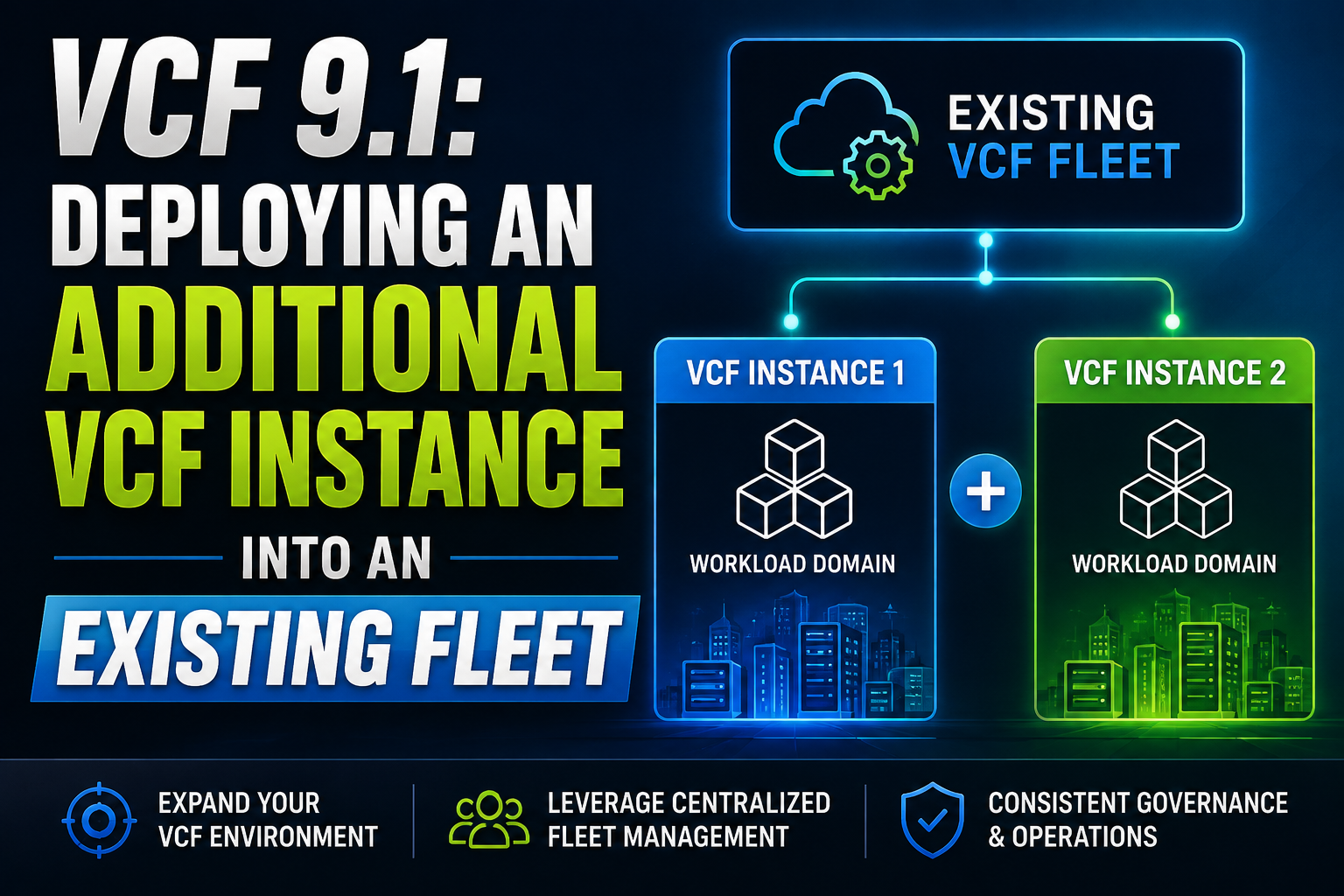
The following video demonstrations patching a VCF 9.1 Management Domain from 9.1 to 9.1.0.0100
Tag: sddc
Patching VCF Fleet & Components to VCF 9.1.0.0100
The following video demonstrates the patching experience in my homelab from a Greenfield VCF 9.1 environment over to the latest release.
Check out the Release Notes for the latest update; VCF Operations 9.1.0.0100 Release Notes
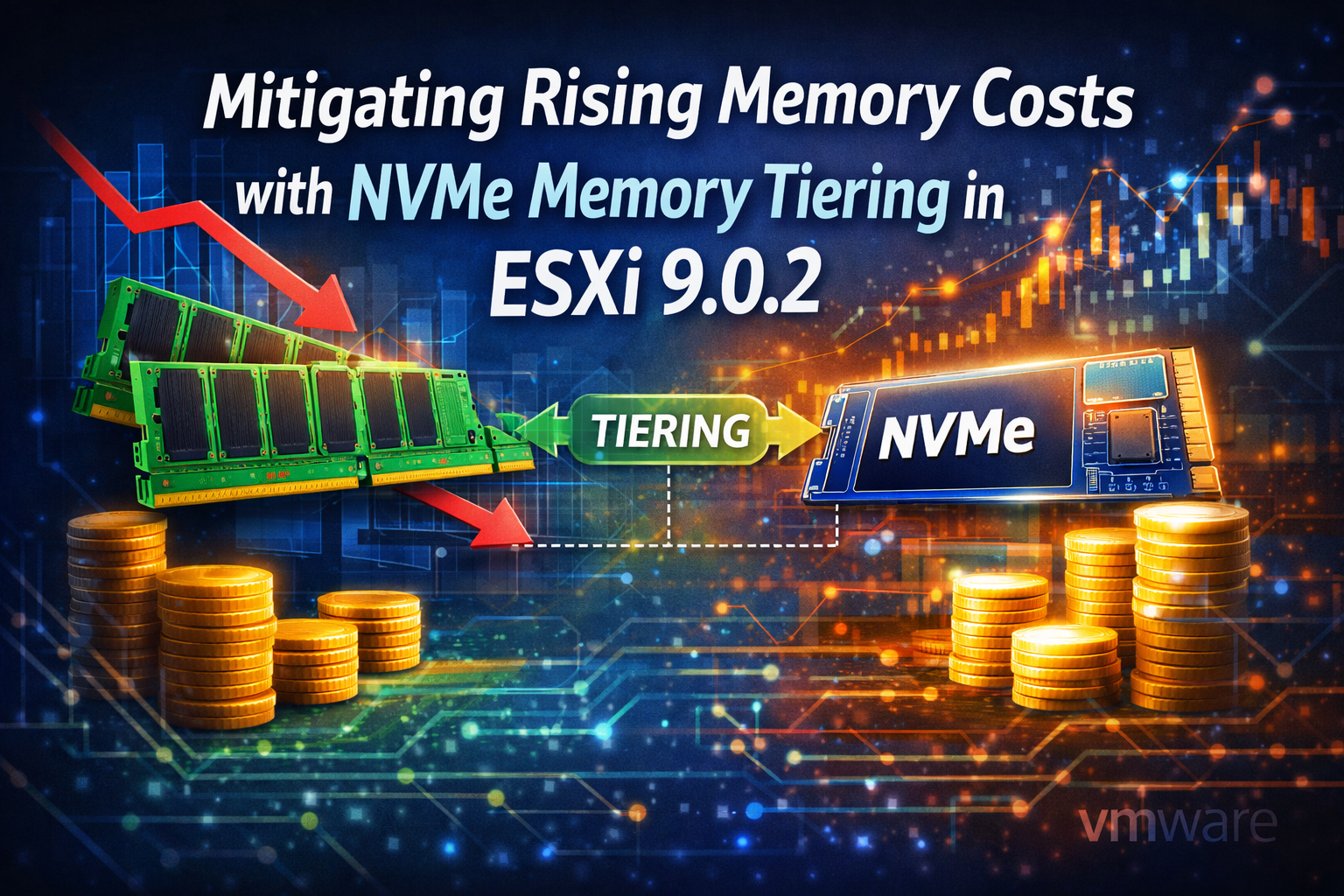
Mitigating Rising Memory Costs with NVMe Memory Tiering in ESXi 9.0.2
I will be following a Broadcom article (Memory Tiering Configuration) to enable Memory Tiering.
These hosts have not been commissioned into VCF yet, the plan will be prep these as a vSAN cluster.
This is on a SuperMicro E300-9D-8CN8TP and the NVME storage is Samsung 990 PRO 1TB.
Here you can see the amount of physical memory, it’s 128GB

Here is a breakdown of the storage on the host

With a SSH session, place the host in Maintenance Mode
esxcli system maintenanceMode set --enable true
List the NVMe devices on the host
esxcli storage core adapter device list
Copy the full Device UID

Run the following command to create
esxcli system tierdevice create -d /vmfs/devices/disks/<Device UID>

Tun the following command to check the device being claimed by tiering
esxcli system tierdevice list

The next step will be to enable Memory Tiering on the ESX host itself. Because these hosts are managed as standalone, I can go into Advanced Settings and enable it from there.
Filter for ‘tiering’ and you will find other options but the one we want is ‘ VMkernal.Boot.memoryTiering ‘

Highlight, Edit Option, set to True and Save. Reboot the host.

Once the host comes back, we now have a 1:1 ratio of DRAM to NVMe tiering. This can be modified up to 4:1
Set your percentage in ESXi Advanced Host setting ‘ Mem.TierNvmePct ‘ Default value is ‘100’. e.g. If you have 128GB of DRAM and set the value to 200 it would give you 384GB of RAM (256 would be from Tiering)

The document in the beginning of the article has a lot of great information on the various Memory Tiering settings.
Another helpful article I came across is from Lenovo
Implementing Memory Tiering over NVMe using VMware ESXi 9.0 > Lenovo Press
[Video] – Upgrading VCF Management Domain to 9.0.2
The video below walks through upgrading a VCF Management Domain. This includes an NSX single instance, EDGE nodes, ESXi hosts in a vSAN cluster and vCenter Server.
Please review the VMware Cloud Foundation 9.0.2 Release Notes
[Video] – Upgrading VCF Operations to 9.0.2
The video below goes through upgrading VCF Operations instance to 9.0.2 in my home lab. This was originally deployed with VCF as a Single which was a Primary node and a single collector.
Please review the VMware Cloud Foundation 9.0.2 Release Notes